Key takeaways
- NIST advises organizations to assume external facilities, networks and devices contain hostile threats.
- A jobsite network is safest treated as untrusted and kept separate from the office network.
- CIS Safeguards 4.7 and 12.1 cover default accounts and current firmware on network devices.
- Separate networks for staff, subcontractors and devices such as cameras limit what a compromise can reach.
- Defense projects involving CUI add NIST SP 800-171 remote access requirements.
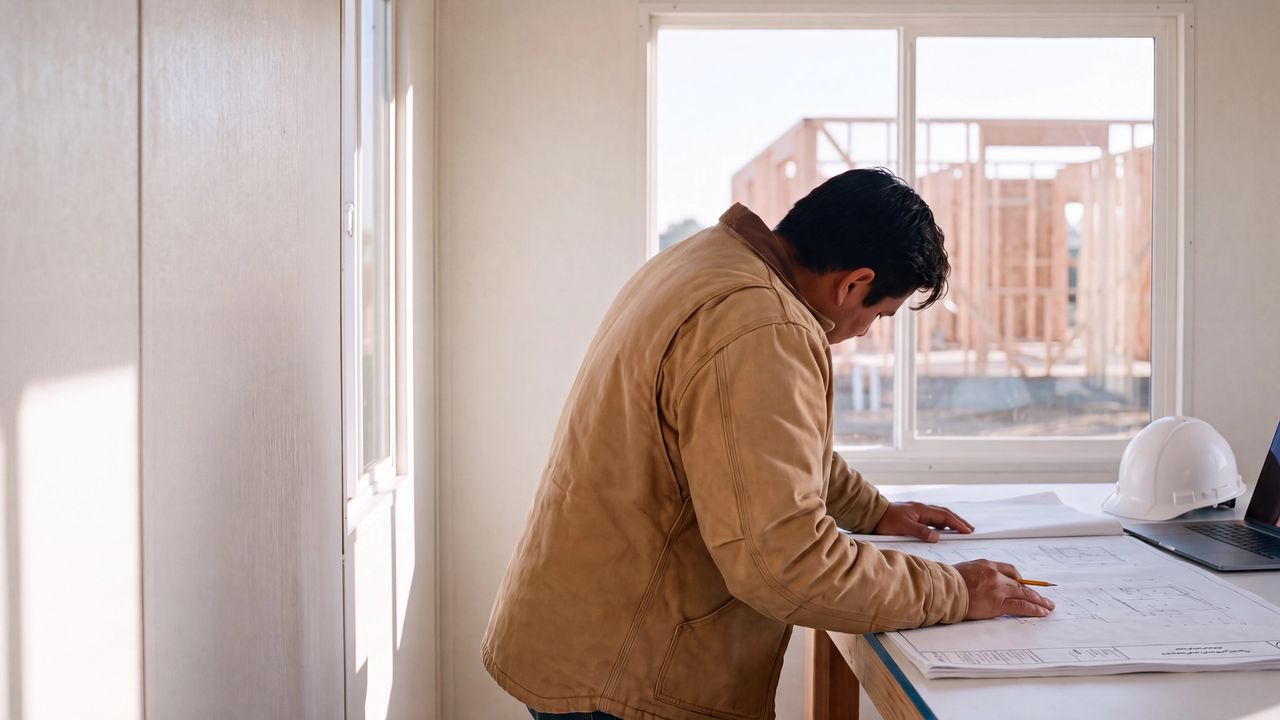
A new project mobilizes, a trailer goes up, and someone plugs in a Starlink dish or a cellular router so the team can work. That network now carries drawings, RFIs, pay applications and project email, often with less protection than the office. This guide covers jobsite network security for architecture, engineering and construction firms: how to set up Starlink and cellular links, keep subcontractors and cameras separate, handle CUI on defense work, and shut the network down at closeout.
Why is a jobsite trailer network a security risk?
A jobsite trailer network is a security risk because it is built in a hurry, often by whoever is on site, yet it carries the same drawings, RFIs, pay applications and email as the office. Trailer networks commonly run on consumer-grade gear with default passwords, sit unattended overnight, and get shared with subcontractors who need a signal.
That combination is what attackers look for. A weak router password or an open Wi-Fi network can put an outsider on the same network as a project manager's laptop, and someone with access to project email is well placed to send a convincing bank change request. NIST's telework guidance, SP 800-46 Rev. 2, sets the starting point plainly: an organization should assume external facilities, networks and devices contain hostile threats. A trailer at the edge of a site fits that description.
Should a jobsite network connect to the office network?
Generally, no. The safer design treats the jobsite as an untrusted location, the same as a hotel, and gives staff access to firm files through identity-based access instead of a site-to-site tunnel that extends the office network into the trailer.
A permanent tunnel means anything plugged into the trailer network can reach the office. Zero trust network access checks the user and the device for each application instead. NIST SP 800-207 describes this model, and CISA and FBI guidance from 2024 encourages organizations to move from traditional VPNs toward zero trust approaches. For an AEC firm, it also means one access policy works the same in the trailer, at home and in the office. Our guide to replacing a VPN with zero trust network access covers the move in more detail.
How do you secure Starlink on a jobsite?
Secure Starlink on a jobsite by putting a firm-managed firewall between the terminal and everything else, configured from a standard template. The Starlink terminal or cellular gateway supplies connectivity; the firewall enforces your security policy.
Starlink's help center documents bypass mode and adding a third-party router, which is how a firm runs its own firewall and Wi-Fi behind the terminal. Whatever hardware you choose, a few baseline settings come straight from the CIS Controls:
- Change or disable default administrator accounts on every router, firewall and access point (CIS Safeguard 4.7).
- Keep firmware current and review versions monthly (Safeguard 12.1).
- Build every site from a documented secure configuration (Safeguard 4.2), so the tenth trailer is set up the same way as the first.
- Use WPA2 Enterprise or stronger for staff Wi-Fi (Safeguard 12.6), tied to firm identities instead of a shared password.
- Protect the account that manages the satellite or cellular service with a unique password and multifactor authentication where it is offered, since that account can change or cut service.
How should subcontractors and guests get online?
Give them their own network, separate from staff and from site devices. A guest network with client isolation lets subcontractors get a signal without seeing anyone else's laptop.
Rotate the guest password on a schedule, and change it right away when a subcontractor demobilizes. If subs need project files, share them through the firm's cloud platform under their own identities, which keeps an audit trail and lets you remove access person by person (limiting a subconsultant to one project folder shows one way to do it). CIS Safeguard 12.2 calls for a network architecture that addresses segmentation and least privilege. On a jobsite, that usually means three networks: staff, guests and devices.
Which devices end up on jobsite networks?
Jobsite networks usually carry more devices than firms track. Security cameras, access control panels, plotters, printers, time clocks, environmental sensors and the laptops that run drones all show up, and many ship with default credentials.
Add each one to the asset inventory when it arrives on site (CIS Safeguard 1.1), put it on the device network, and change its default password before it goes live. Cameras deserve extra attention because they often allow remote viewing through a vendor cloud. Know who has that access, and remove it when the project ends.
What changes on defense projects with CUI?
If staff handle Controlled Unclassified Information from the jobsite, the remote access requirements in NIST SP 800-171 apply to those connections. Requirements 3.1.12 through 3.1.14 call for monitoring and controlling remote access sessions, protecting them with cryptography, and routing them through managed access control points.
In practice, staff should reach CUI only through the firm's managed, encrypted access path, and the jobsite should appear in the system security plan as an external network. The CMMC rule still incorporates Revision 2 of SP 800-171, so confirm which revision your contract references.
How do you shut down a jobsite network at closeout?
Treat closeout as an offboarding event for the site. Remove guest and subcontractor access, factory reset network gear before it moves to the next project, update the inventory, and cancel or transfer the internet service.
- Export any logs you need to keep, then reset routers, firewalls and access points.
- Remove firm credentials from cameras and devices that stay with the owner, and document the handover.
- Revoke vendor remote access to cameras and access control systems.
- Close out or transfer the satellite or cellular account.
- Mark the equipment as returned in the asset inventory.
What belongs on a jobsite network security checklist?
A jobsite network security checklist should cover the sites you already have first, then standardize the next one:
- Audit current trailers for default passwords, flat networks and shared staff Wi-Fi passwords.
- Define a standard jobsite kit: a firewall, access points and a configuration template.
- Require project teams to register a new site with IT before it goes live.
- Move staff access to firm files onto identity-based access that works the same from any location.
- Add network steps to your project closeout checklist.
How can s90 help?
s90 supports architecture, engineering and construction firms with zero trust network access and monitoring that covers temporary sites alongside the office. We can audit your current trailers, help you design a jobsite configuration template your teams can deploy quickly, and add network steps to your closeout process. If a new project is about to mobilize, that is a good time to talk.